
A New Computer, A Fresh Start
When Margaret reached out to me, it was with a straightforward request: set up her newly purchased computer, transfer her data, and ensure everything worked seamlessly. Her trust in me was humbling, and I was determined to make her transition as smooth as possible. But as with most things in life, the devil was in the details.
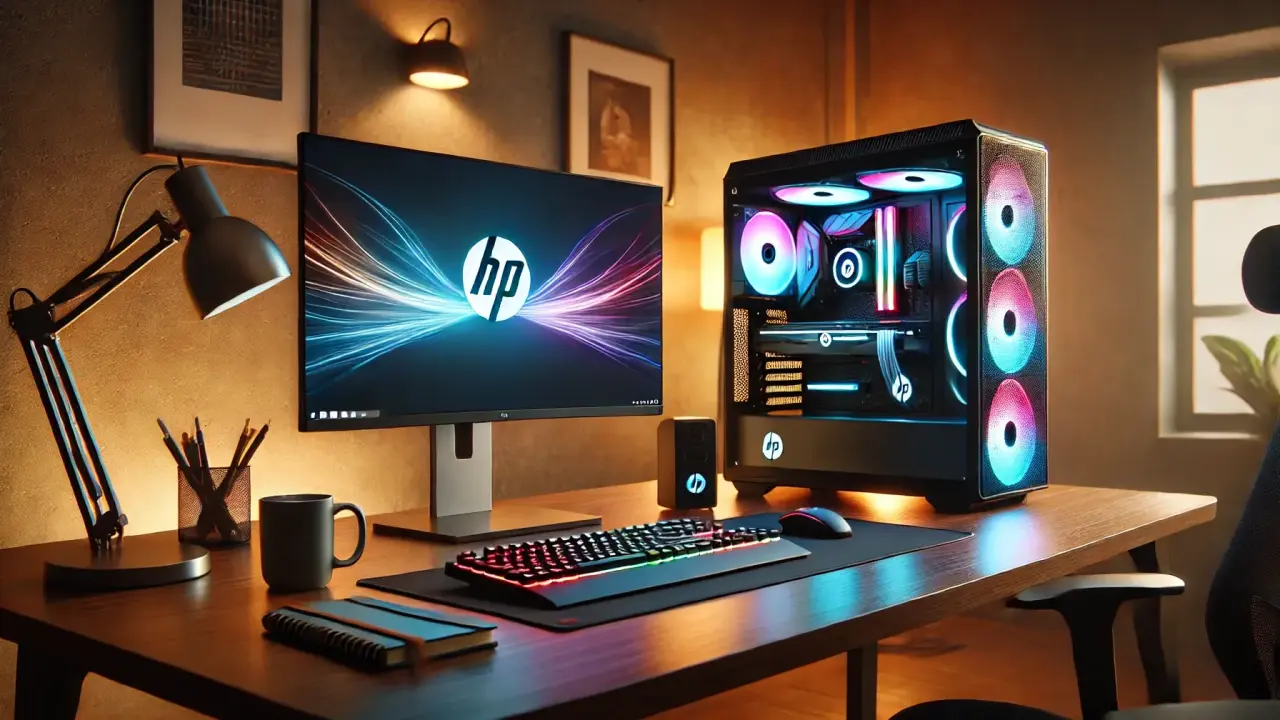
Margaret’s computer—a gleaming HP gaming system with transparent side panels and RGB lights—was the picture of modern technology. It was still in its box, alongside a brand-new 32” monitor waiting to be unwrapped. Yet, her old setup—a creaking HP All-In-One from 2018—was a different story altogether. It took over five minutes just to load Windows 10, and its hard drive, worn thin from years of neglect, was on its last breath.
Complications and Roadblocks
What seemed like a simple project quickly unraveled into a cascade of challenges:
- Corrupted Hard Drive: Her old computer hadn’t been shut down in months, leaving its operating system bottlenecked by failed updates.
- No Backup Plan: The external hard drive she’d intended to use for transferring files was also corrupted.
- Lost Bookmarks: None of her browsers were signed in, so years of bookmarks were gone.
- Forgotten Credentials: Margaret didn’t know her usernames or passwords for critical accounts.
- Outdated Preferences: She insisted on using WordPerfect from 2016, which posed compatibility challenges with modern systems.
Her hesitation to embrace modern conveniences, like two-factor authentication, created further hurdles. While her desire for privacy was admirable, it also made the simplest tasks feel insurmountable.
A Concierge Approach to Problem-Solving
The challenges weren’t just technical—they were deeply human. Margaret’s reluctance to adapt was as much about fear as it was about habit. I knew my role wasn’t just to fix her computer but to guide her through a transition she felt unprepared for. Here’s what I accomplished:
- Data Recovery: With her old hard drive on the brink of failure, I removed it, bypassed the corrupted operating system, and safely extracted her files externally.
- Custom Setup: I configured her new Windows 11 system using a local account, a workaround that ensured her preferences were respected while enabling optimal functionality.
- Workspace Transformation: I unboxed her 32” monitor and new computer, setting up a workspace that was not only functional but inspiring.
Breaking Through the Resistance
The turning point came when Margaret unearthed a dusty old notebook filled with handwritten passwords. With some encouragement, she began to see that moving forward didn’t mean losing control. Together, we recovered her most critical accounts, and she began to reclaim her digital life.
By the end of my visit, Margaret’s computer was running smoothly, her programs were optimized, and her workspace was ready for success. But the real victory wasn’t just in the technology—it was in Margaret’s shift in mindset. For the first time, she embraced the idea that progress could coexist with her values and preferences.
Why This Story Matters
Margaret’s story is a testament to the power of patience, adaptability, and understanding. As an IT concierge, my job goes beyond fixing systems; it’s about creating an experience that makes clients feel cared for and confident in their technology. For those who value expertise, discretion, and solutions tailored to their needs, my service offers a level of care that transforms stress into satisfaction.
If you’re ready for an IT service that meets you where you are and takes the hassle out of technology, I’m here to help. Let’s make your digital life work for you—smoothly, efficiently, and effortlessly.
This page reproduces Gabe's authored LinkedIn article as a local, distraction-free reading edition. The narrative is rendered only as safe text—never as executable HTML.
Local images · Metadata removed · No LinkedIn scripts or backlinks